Use Facebook* to communicate with customers, private messages and comments on posts will be available in ChatApp Dialog. To connect, you need to have a Facebook* business page, see how to create one here.
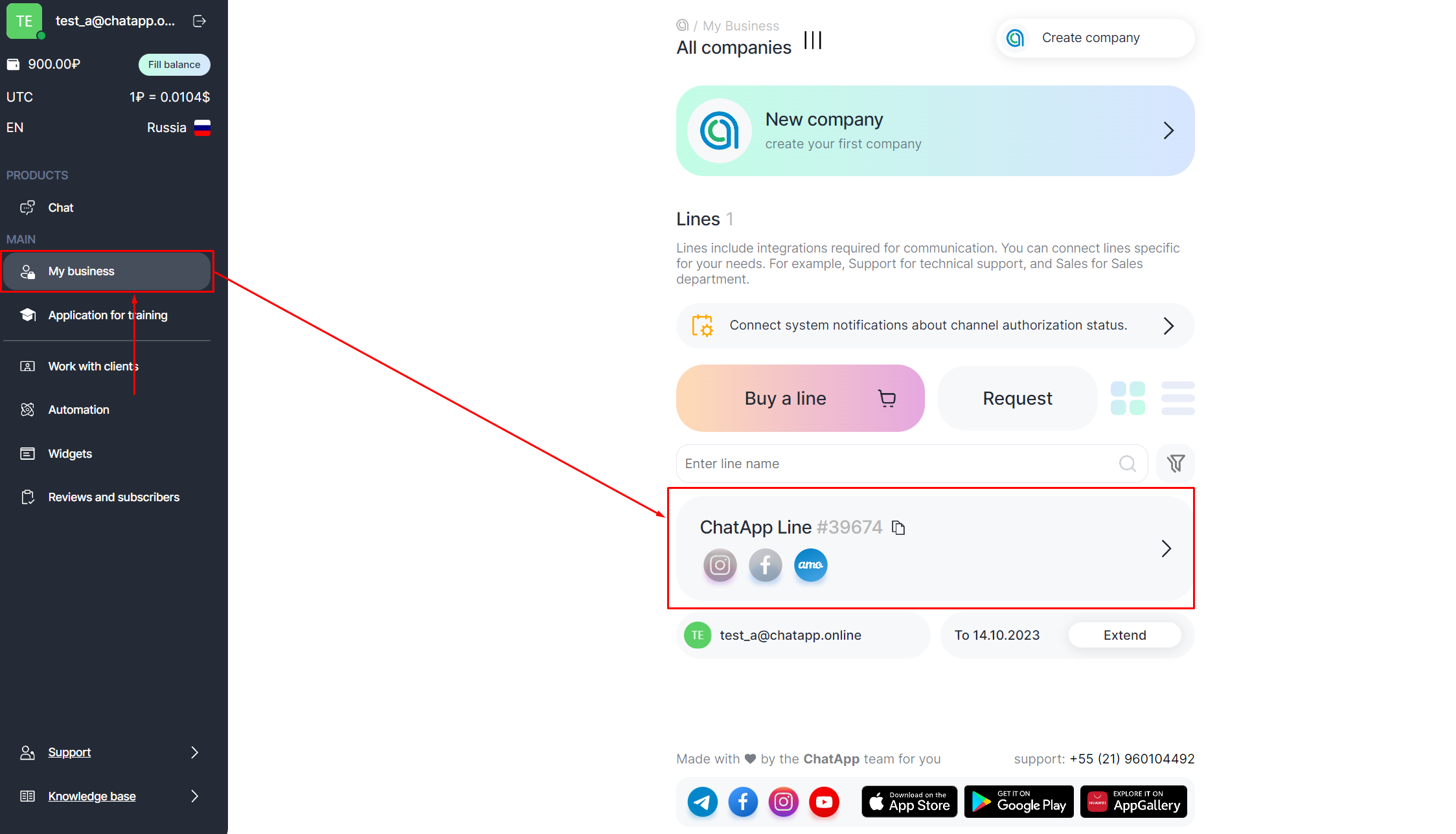
1. In your personal account, select the Selected company item in the left menu.
2. Select the line with the purchased Facebook* channel.
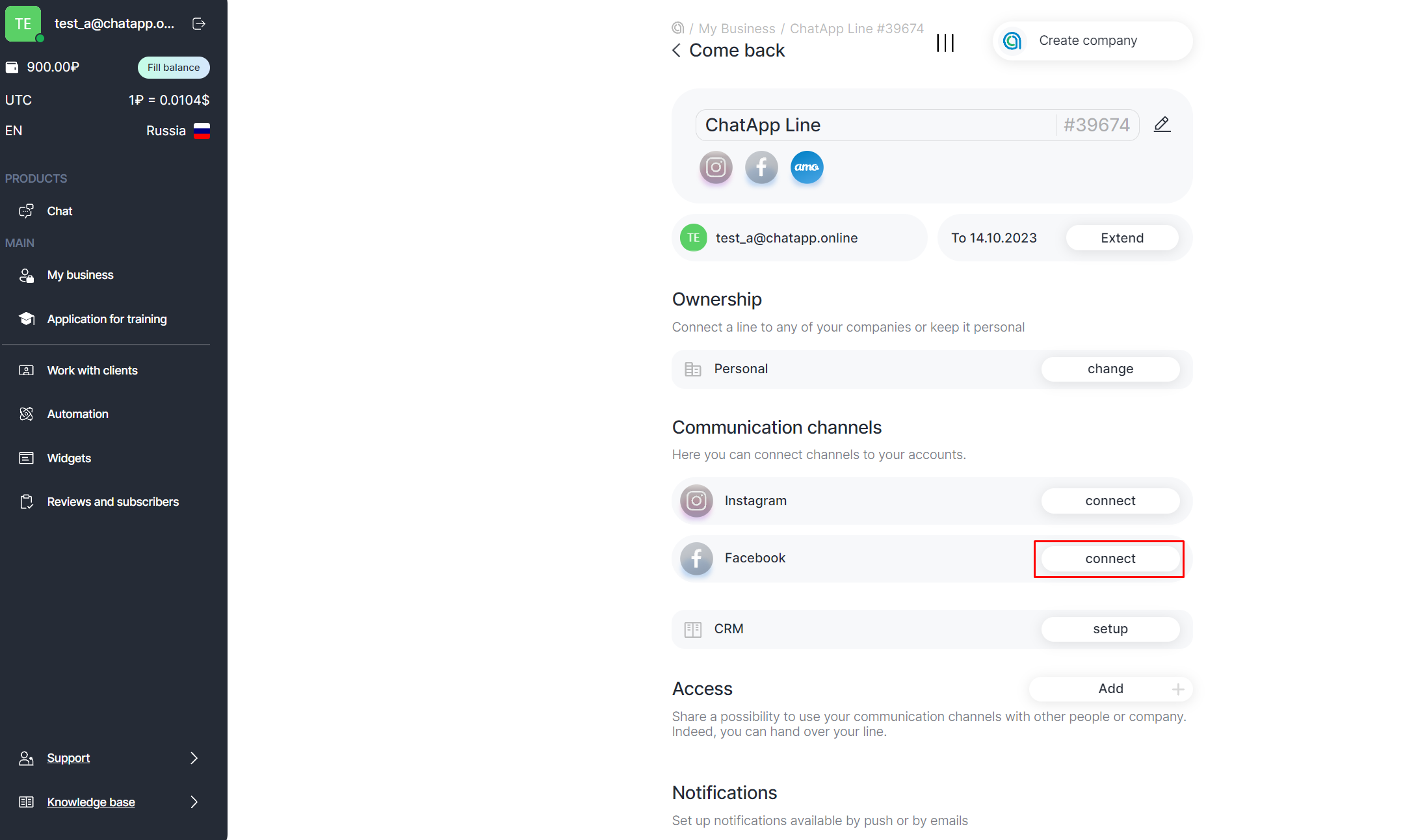
3. Click the Connect button.
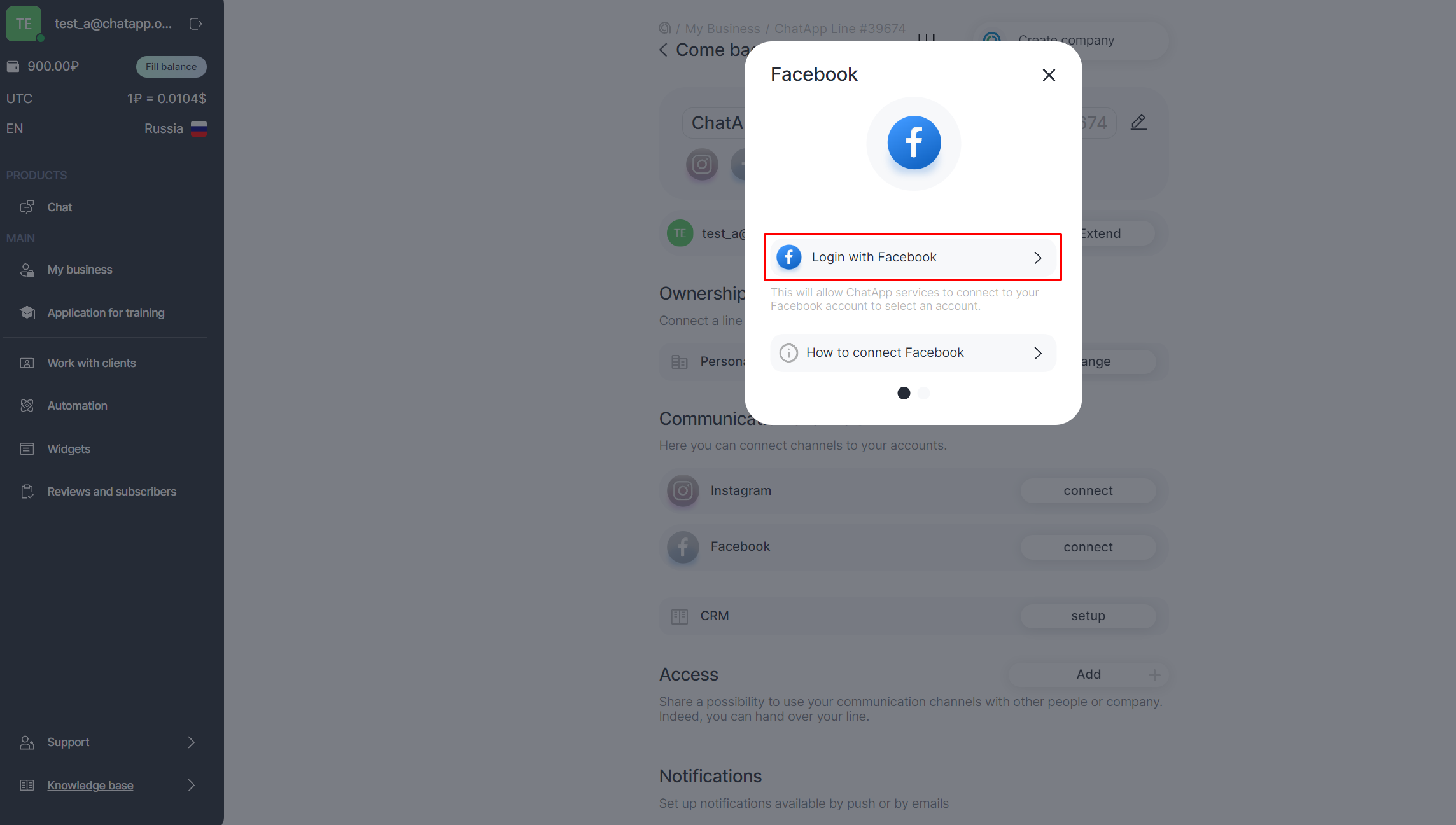
4. Click Login with Facebook.
5. Select your Facebook* profile or log in using your username and password.
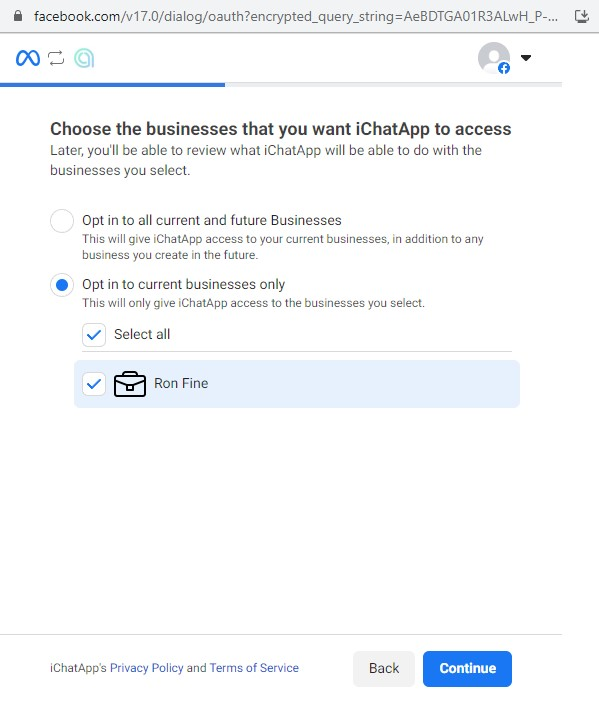
6. Select the company to which your Facebook* business account is linked and click Continue. You can select multiple companies.
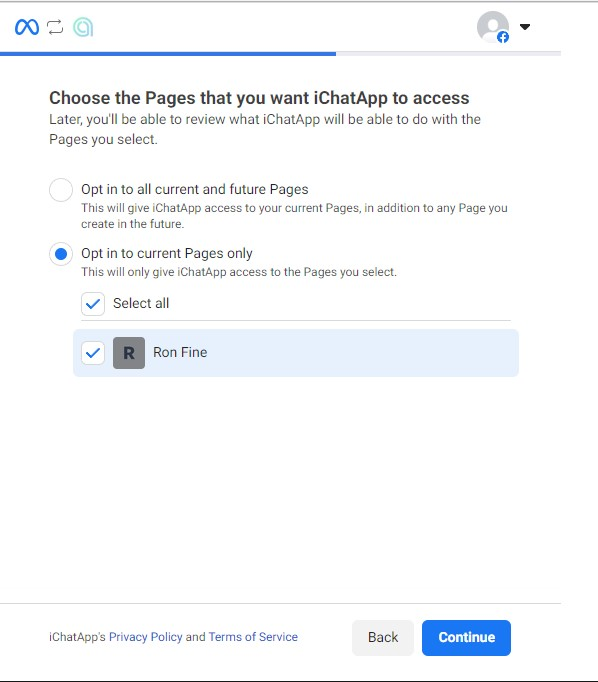
7. Select the Facebook* business page to which your Instagram business account is linked and click Continue. You can select multiple business pages.
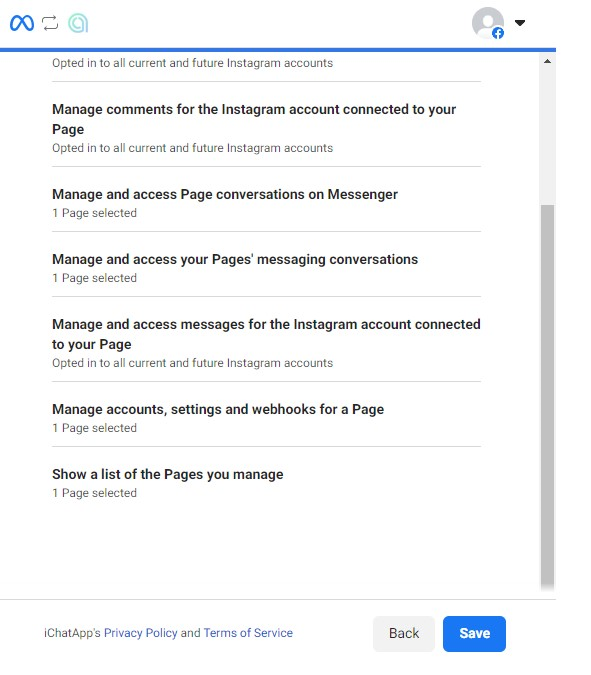
8. Click Save, wait a moment, and click Done.
9. Select the Facebook account you want to connect to the line and click Connect.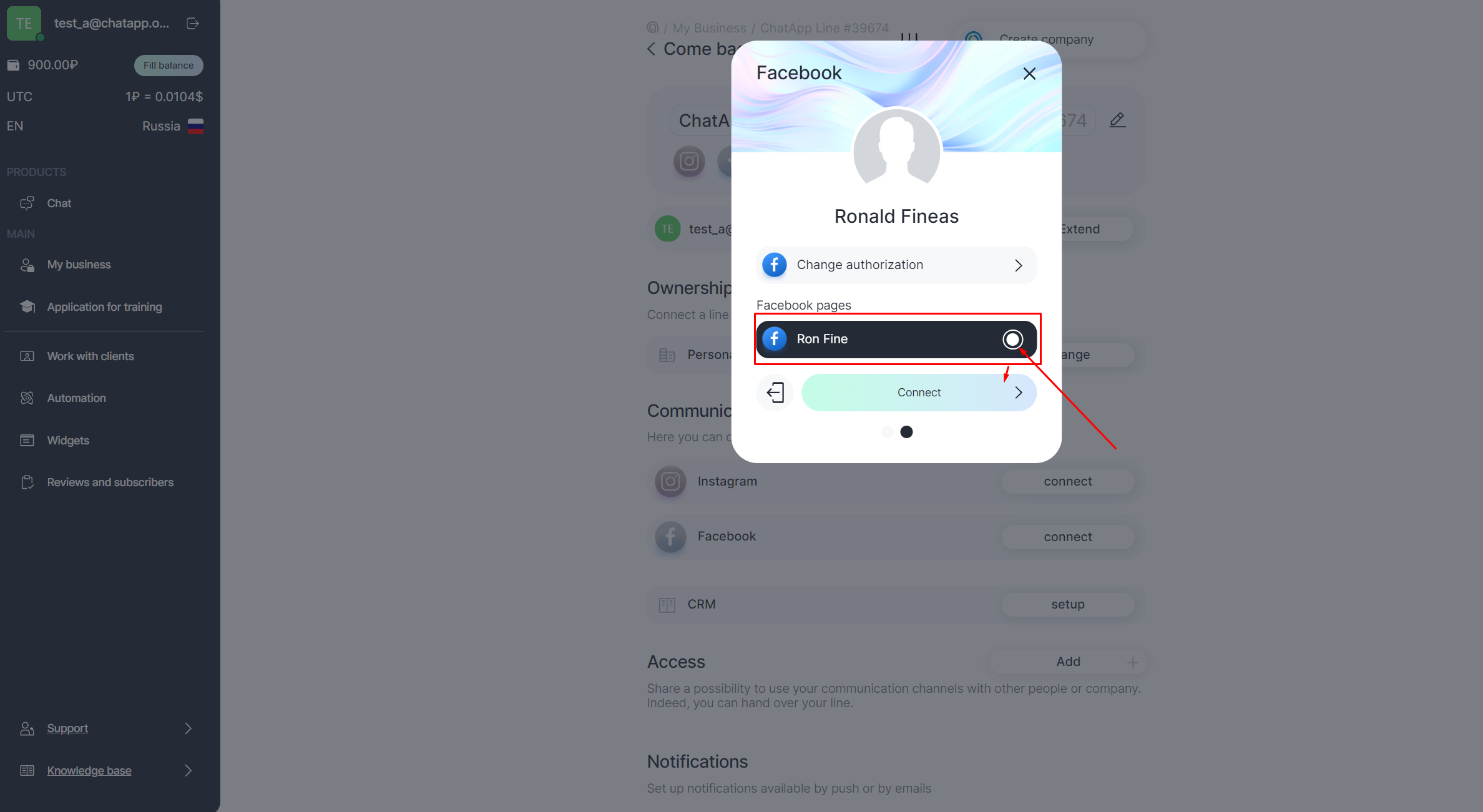
*Facebook and Instagram are owned by Meta, recognized as an extremist organization in the Russian Federation.
