From the dialog, it is possible to work with data, and tasks from CRM, and view detailed information on a client.
1. Select a dialog
2. Click on the profile icon.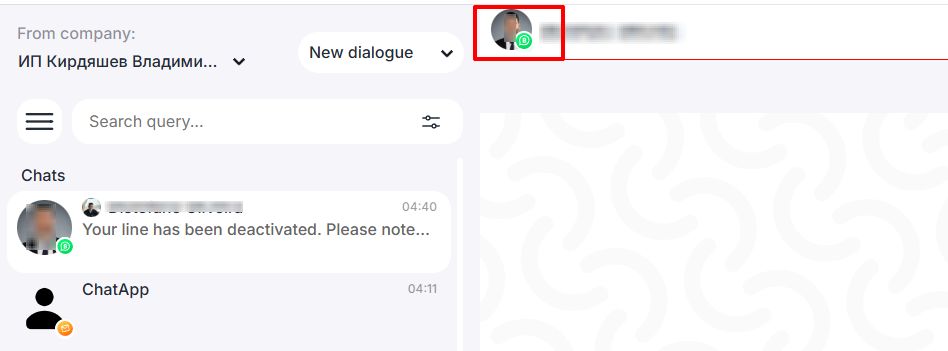
3. Open the “CRM data” section. In this section you will see the following information:
- deals
- contacts
- leads
- CRM tasks
- Companies
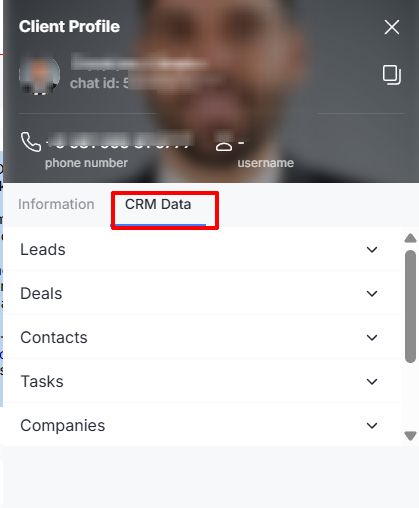
4. Deals, contacts, leads are linked to CRM by links, by them you can go to the created deal, contact, lead in CRM.
