How to Close a Dialog
To change the dialog status:
- Select the dialog.
- In the top center field of the dialog, locate its status.
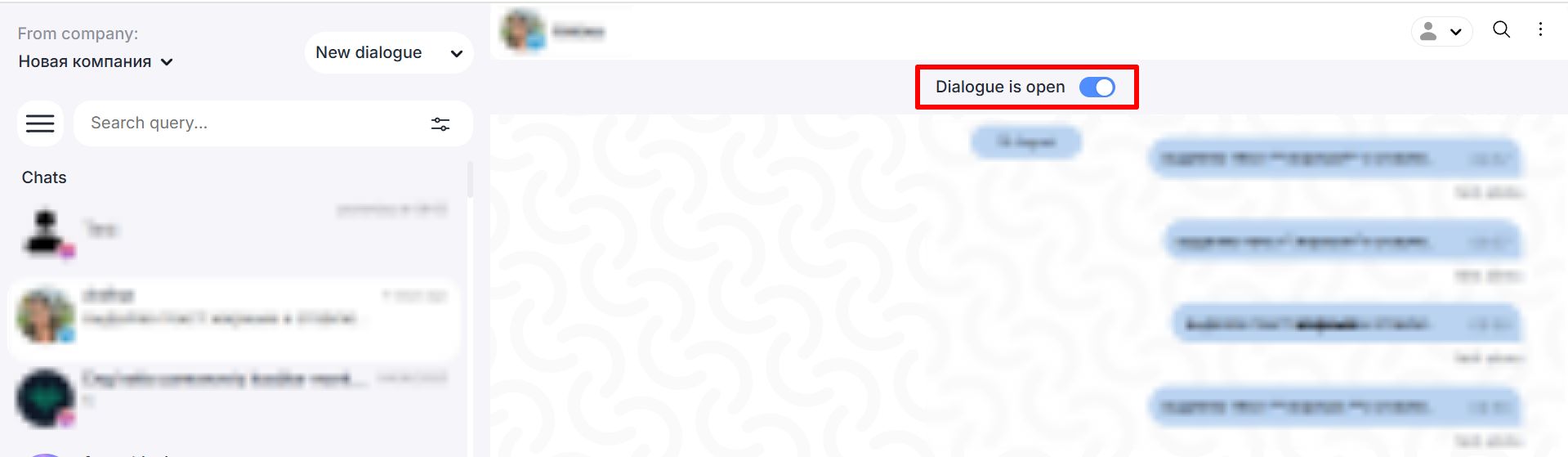
- Switch the status to “Closed”.
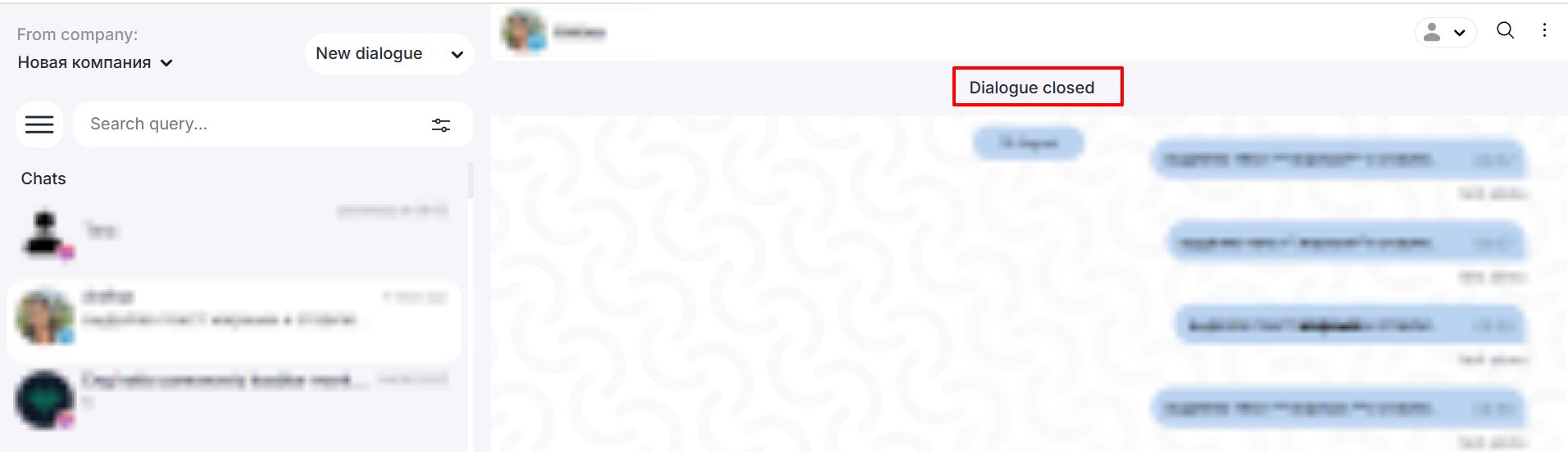
Important: The toggle will only function if one of the following conditions is met:
- A predefined scenario for closing the dialog is configured, see article for details.
- A bot builder scenario for closing the dialog is configured.
Or, the bot builder scenario includes automatic dialog closure, see the article Dialog Closure and Auto-Closure for details.
