Opening shift
In order for the responsible person to start or end the shift, it is necessary to switch the activity in the left menu:
- The shift is open – it shows that the person is now at the workplace, and now you can make him responsible for the dialog.
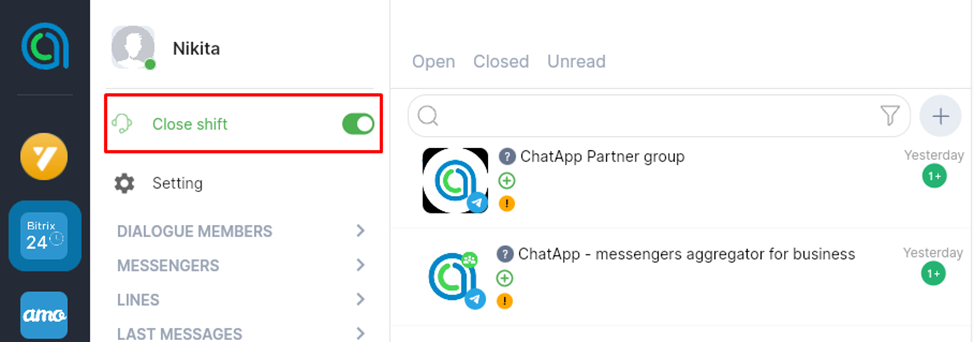
- If the shift is open, headphones with a microphone will be displayed next to the employee’s name.
- If the employee is online, then under the photo it is marked with a green circle.
 – Shift is open, online
 – Shift is open, offline
- Shift closed – inactive, not at work right now.
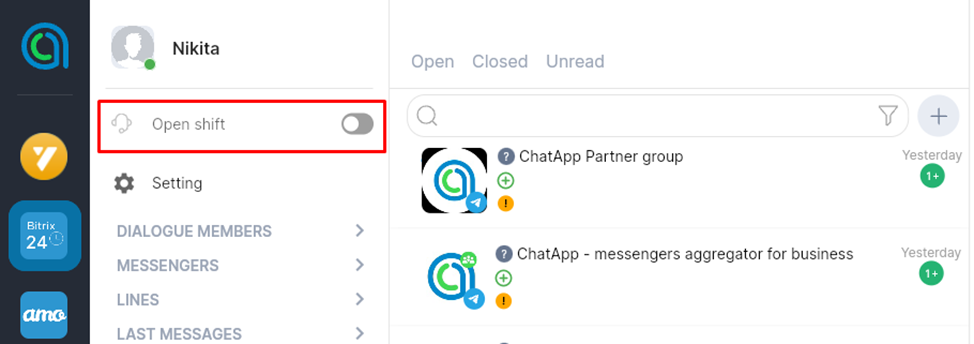
 – Shift is closed, online
 – Shift is closed, offline
Dialogue Distribution
Using ChatApp Bot, you can set up the automatic distribution of responsible persons. See how to do it here.
