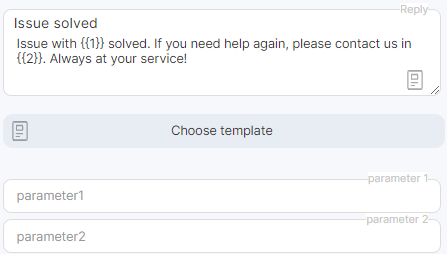
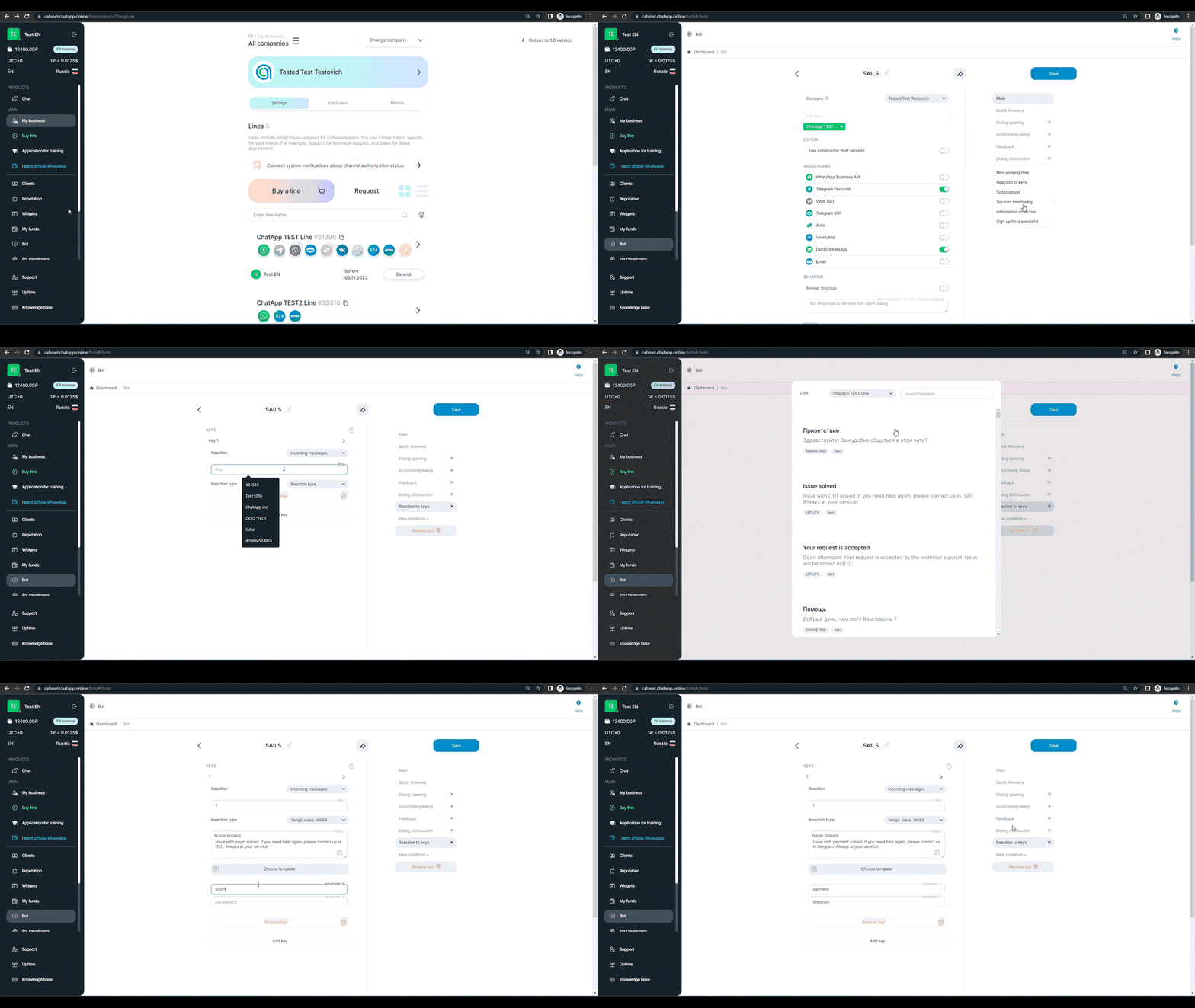
Before sending a template, make sure you have your WhatsApp Business API channel connected and templates with variables created. When you are sure that everything is ready, follow the procedure:
1) Go to your ChatApp personal account.
2) Go to the “Bot” section.
3) Select a bot or create a new one.
4) In the “Company” field, select a company.
5) In the “Add Line” field add a line.
6) In the settings menu on the right, click on “New condition +”.
7) In the drop-down box, select “Phrase reactions”.
8) Click on “Add key”.
9) Enter the key that will become the trigger to send the pattern.
10) In the ” Reaction type” field, select “Templ. mess. WABA”.
11) Click ” Choose template”.
12) In the opened window, add a line and select a template with variables.
13) Fill in the variables in the fields “parameter1”, “parameter2” etc.