How to Change Company Information in WhatsApp
Changing the Company Display Name
- In the Facebook interface, click the menu icon and select «Business settings».
- Go to the «WhatsApp accounts» section and select the required account.
- Open the «Summary» section and click «WhatsApp Manager» (in the lower-right corner).
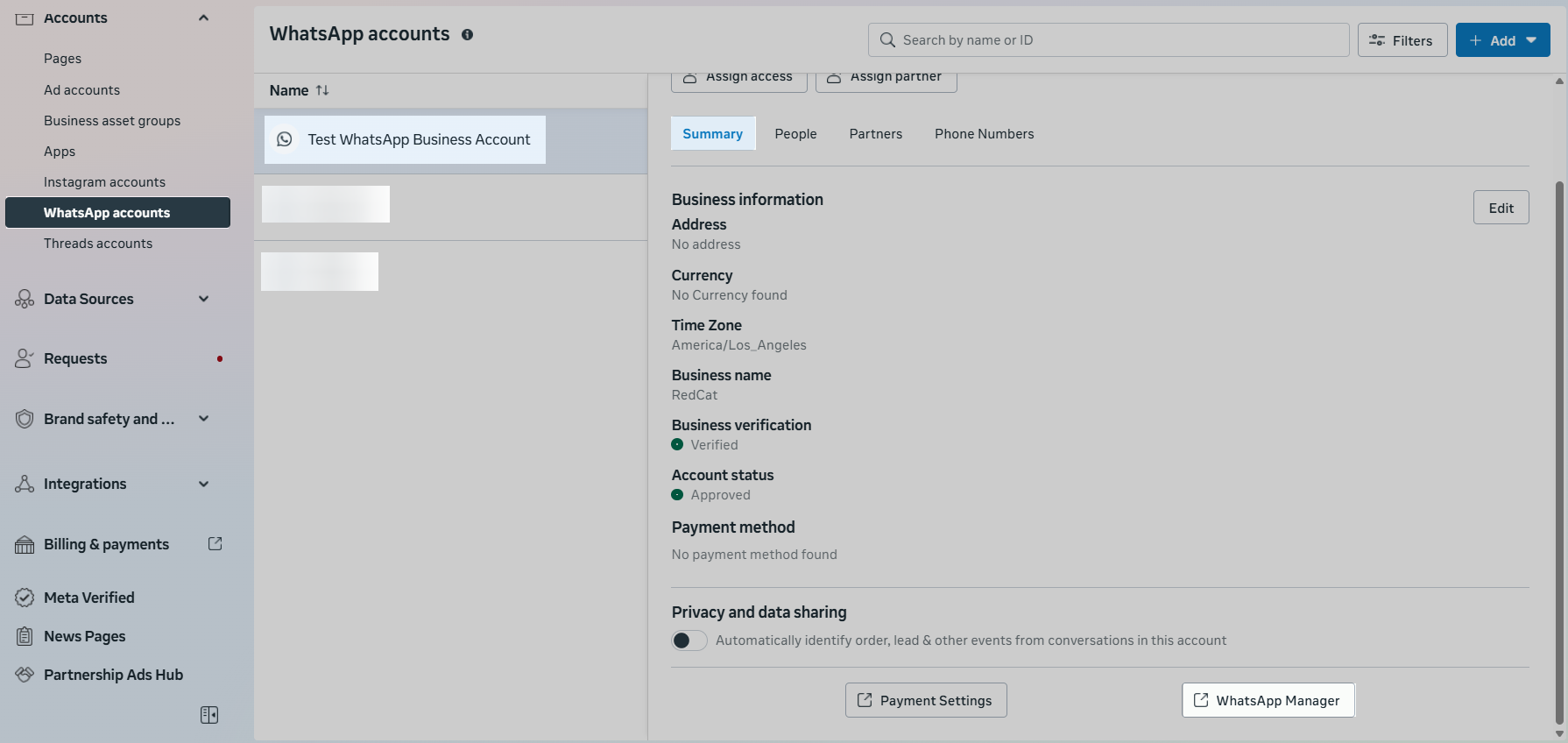
- Click «WhatsApp Manager» and open the «Phone numbers» section.
- In the row of the required phone number, click the gear icon and go to the «Profile» section.
- In the «Display name» field, click «Edit» and enter the new company name.
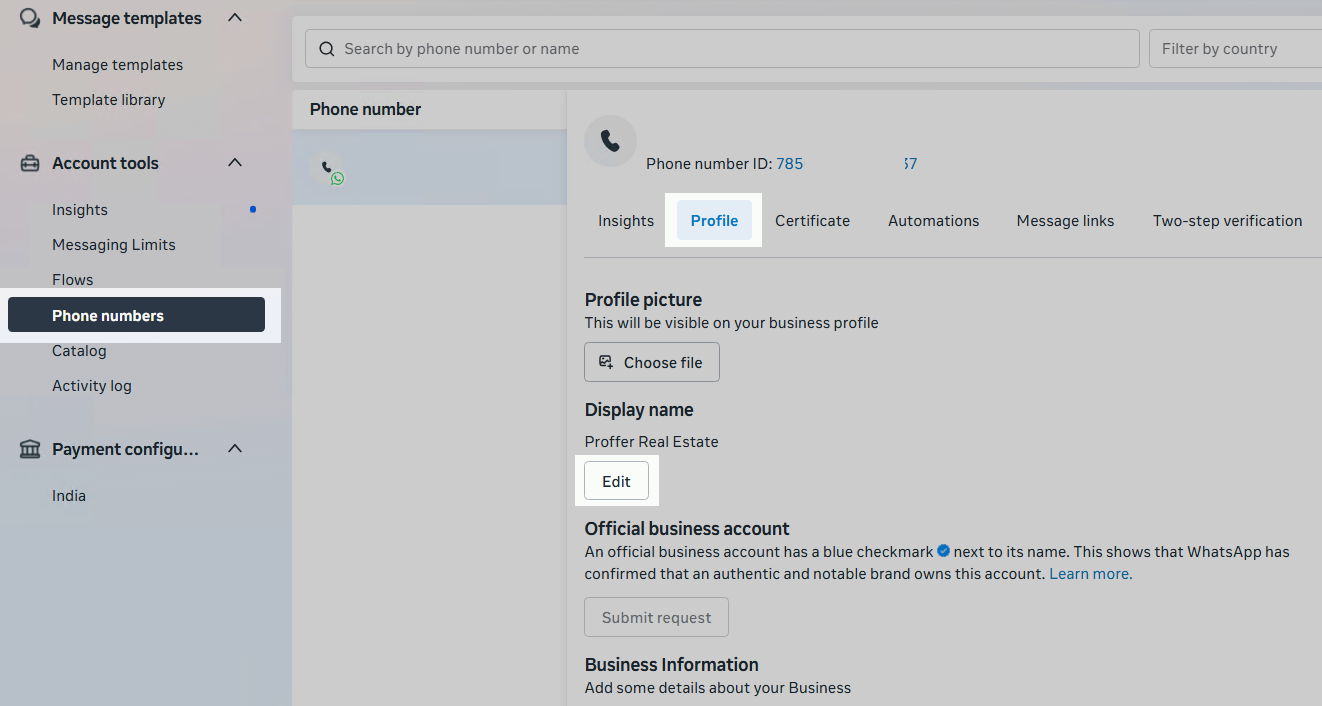
- Meta reviews the display name within up to 24 hours.
The name must:- be related to the company;
- comply with the WhatsApp Commerce Policy;
- comply with the WhatsApp Business Messaging Policy;
- comply with Facebook display name guidelines.
- After the review is completed, contact ChatApp technical support to apply the new name.
Important: the display name can be changed no more than 10 times within 30 days.
Changing the Company Logo, Description, and Contact Information
- To change the logo, click «Choose file» in the «Profile photo» section.

- To change the company description, enter the new text in the «Description» field.
- To update contact details, complete the «Contact information» section.
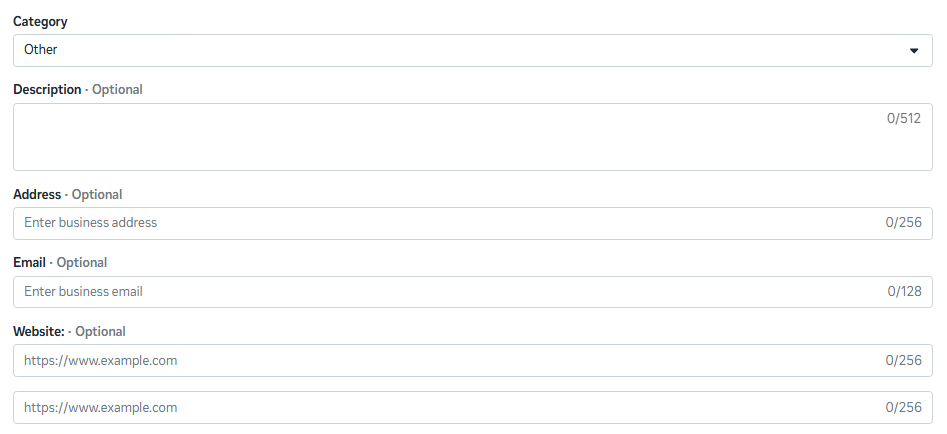
- Click «Save» to apply the changes.
