Group chats from Telegram, WhatsApp, and other messengers are created in a special CRM card, which allows you to use this card as a chat of a separate group.
Messages of all group members are displayed in one card, which allows you not to create duplicate transactions in CRM.
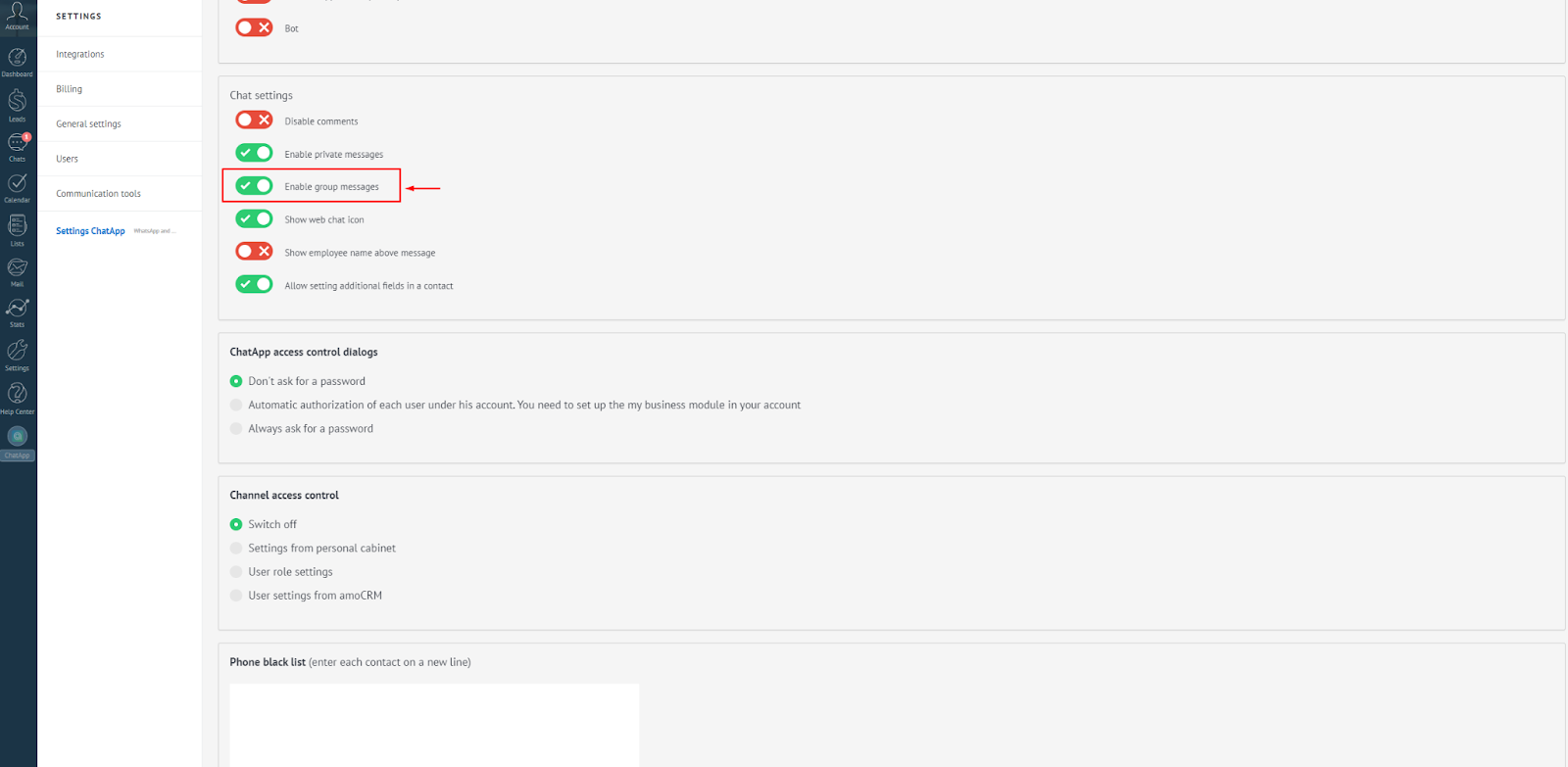
How to enable/disable group messages.
To disable incoming messages from groups for each open line, follow these steps:
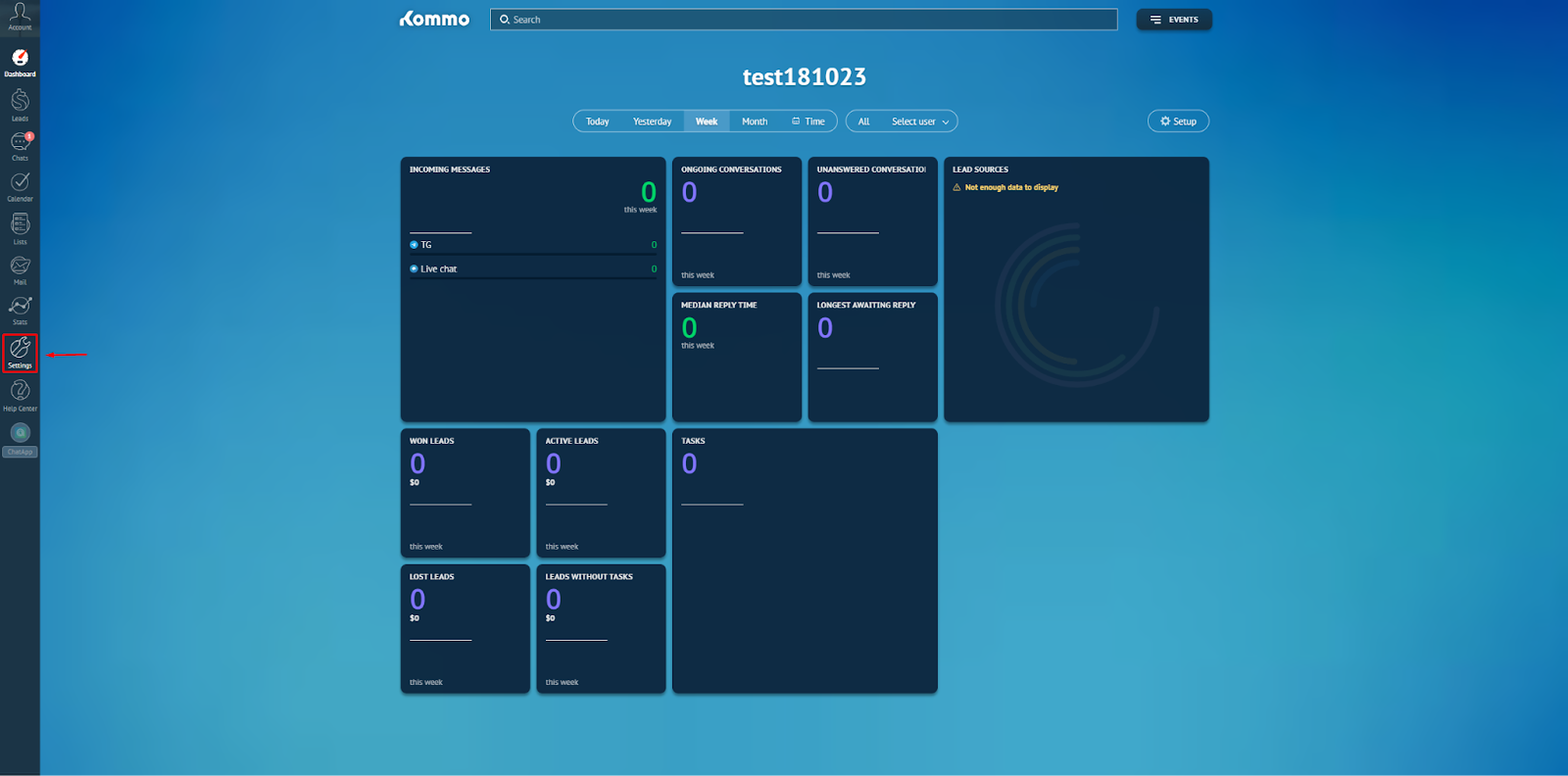
1. In Kommo, go to settings;
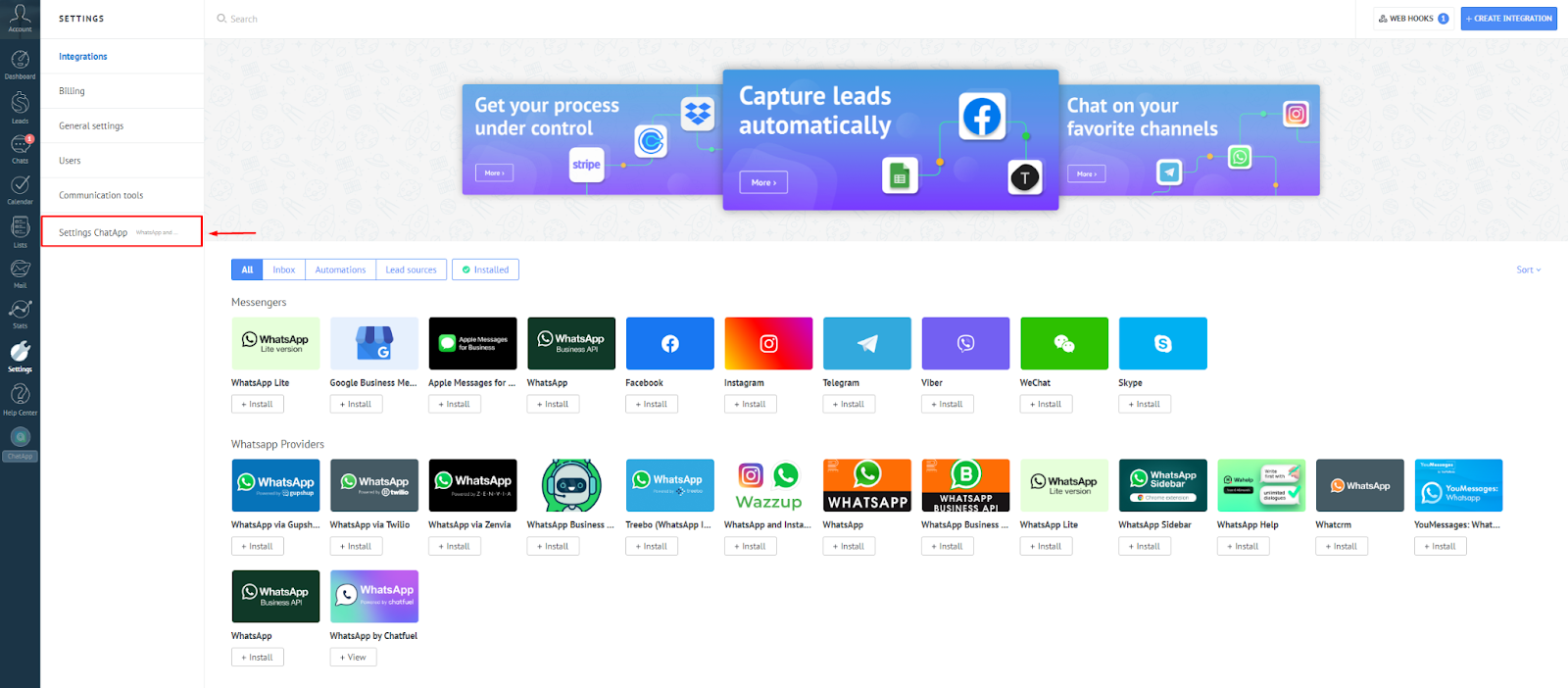
2. Select the ChatApp Settings section;
3. Move the slider next to “Enable group messages” to the off position.